
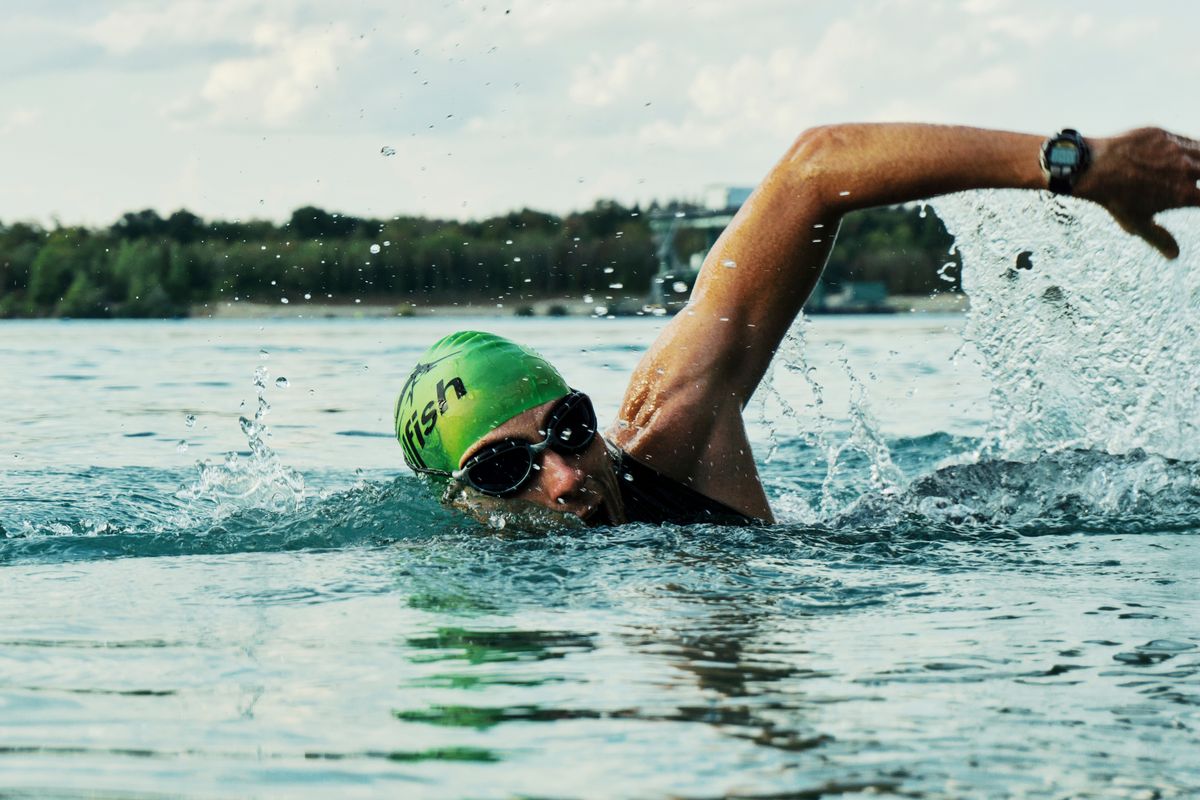
A sensor will not fix your catch. It will not lengthen your stroke or drop your elbow into a better pull. What it does is quieter and more useful than that: length after length, it tells you exactly where your stroke is leaking speed, and it does not care how good you think you look doing it.
I swam for years convinced I was efficient. Then I clipped a small motion sensor to my goggle strap, looked at the numbers on the pool deck, and the thing basically called me a liar. My stroke count crept up over the back half of every swim. My “smooth” left side was rotating half as much as my right. None of that showed up in how the swim felt. It showed up in the data.
What a swim sensor actually measures
Most wearable swim tech tracks the same core set of numbers, whether it lives on your wrist, your goggles, or a clip on your head:
- Lengths, splits, and pace so you stop miscounting at length 34.
- Stroke count per length, and stroke rate (strokes per minute, your tempo).
- Distance per stroke (DPS), how far each pull carries you.
- SWOLF, the one worth understanding.
- On the better units: body rotation and pitch, breathing side, turn time, and sometimes heart rate.
SWOLF is swim golf. Take the seconds you swam a length in, add the strokes you took, and that sum is your SWOLF score. Lower is better, the same way lower is better in golf. Swim a 25 metre length in 20 seconds with 16 strokes and you score 36. Do it in 20 seconds with 14 strokes and you score 34: same speed, less effort per metre. It is the closest thing swimming has to a single efficiency number, and it is the metric I watch first.
The three kinds of wearable, and what each is for
| Type | Examples | Best for |
|---|---|---|
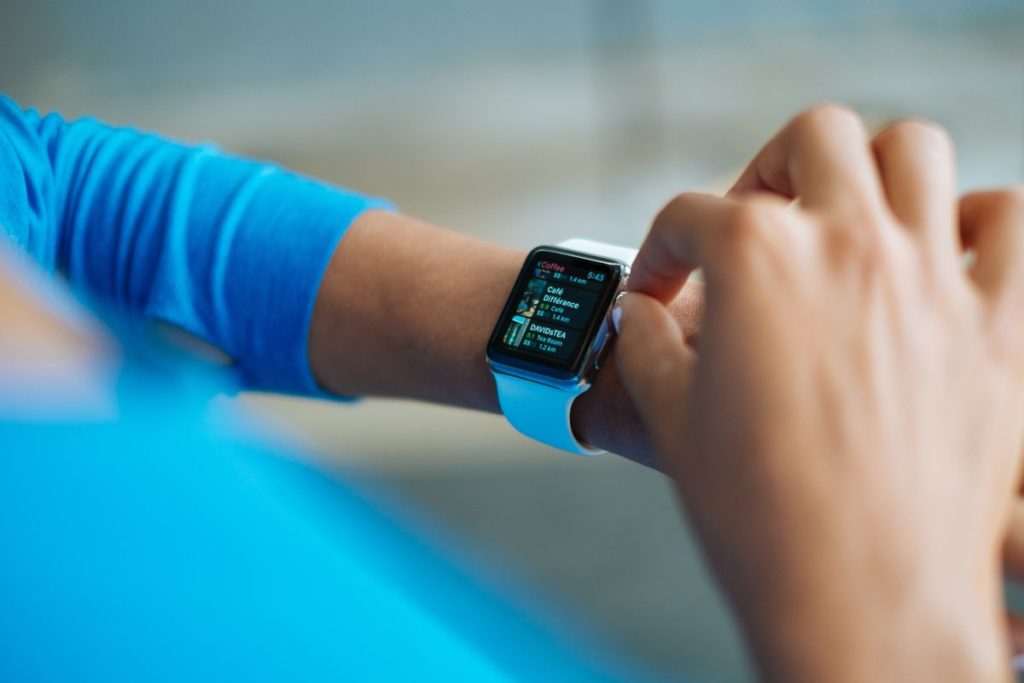
| Smartwatch on the wrist | Garmin Swim 2, Apple Watch, Forerunner | Counts, SWOLF, pace after the swim; the one most people already own |
| Goggle-clip motion sensor (IMU) | TritonWear, and similar strap-mounted units | Deeper metrics: rotation, turn time, stroke breakdown for the data-hungry |
| Smart goggles with a heads-up display | FORM Smart Swim, FINIS Smart Goggle, Instabeat | Real-time numbers in your field of view while you swim |
The heads-up goggles are the interesting jump. Instead of stopping to read your watch, your pace and stroke rate float in the corner of your vision as you go. That real-time feedback is where the actual coaching value lives, because you can correct a fading stroke rate in the length it happens, not after the set is done.
What the data can and cannot do
Honest grading, because a lot of swim-tech marketing is not:
Reliable (trust these). Length counting, split times, stroke count, tempo, and SWOLF are solid. These come from counting and timing, and the sensors do it well. If your SWOLF is climbing across a set, you are getting less efficient as you tire. That is real and worth acting on.
Reasonable but not gospel. Body rotation and pitch from a good IMU are useful for spotting a lopsided roll, but treat the exact degrees as a guide, not a lab reading.
Weak, and you should know it. Wrist heart rate underwater is unreliable, because water and stroke motion fool the optical sensor; a temple or chest reading is far better. Automatic stroke-type detection misfires, especially on drills and turns. And no sensor on earth teaches technique. It hands you a number. You still have to know what a good catch feels like to fix a bad one.
That last point matters. A sensor is a mirror, not a coach. It shows you the fault. Closing the gap is still on you, ideally with a phone propped on the deck filming you from the side once a month. The camera plus the sensor together beat either one alone.
How I use one without drowning in numbers
The trap is collecting forty metrics and changing nothing. Here is the stripped-down way I actually train with a sensor:
- Pick two numbers. SWOLF and stroke count per length. Ignore the rest until those two are dialled in.
- Baseline them. Swim a steady 200 and note your average. That is the number to beat.
- Drill one fault. If your stroke count is high, work distance per stroke: longer reach, fuller finish. Re-swim the 200 and check if SWOLF dropped.
- Use a tempo trainer to nudge rate. A cheap beeper like the FINIS Tempo Trainer Pro sets your stroke rhythm so you raise tempo without shortening your stroke into a frantic mess.
- Film once a month. The sensor tells you what changed. The video tells you why.
When I fixed my reach and stopped over-rotating, my SWOLF on an easy 100 dropped by four points across a few weeks. Same effort, faster swim. I would not have found that by feel.
So is it worth buying?
If you train alone, without a coach watching, a swim sensor earns its place. It gives you feedback and accountability you otherwise only get from someone on the deck. If you already swim with a coach who films you and calls your faults, the sensor is a nice supplement, not a revelation.
Either way, start with what you have. A basic swim watch you already own will show you SWOLF and stroke count today, for free. Learn to read those two numbers before you spend money on goggles with a screen in them. The gear does not make you efficient. Knowing what to do with the number does.
Once the sensor shows you where your stroke leaks speed, the next job is fixing it. Start with the drills that cut drag in Swimming Drills to Swim Faster and Reduce Drag, and if you are chasing general fitness rather than race times, see Swimming for Fitness.
This is training guidance, not medical advice. If you are new to hard swimming, or returning after any injury or health condition, get cleared by your doctor before pushing intensity.
Leave a Reply